
Check your visa photo before you submit it.
Check your visa photo before you submit it. — सरकारी दूतावास नियमों के अनुसार फोटो बनाएं, रिजेक्शन चेक करें और 300 DPI में डाउनलोड करें।
Inspect your visa photo against 8 critical government standards before submitting your application. Upload your image to receive an immediate diagnostic breakdown of dimensions, file size, background clarity, aspect ratio, and biometric framing. [हिन्दी दिशा-निर्देश]: अपनी मौजूदा फोटो को 8 आधिकारिक बायोमेट्रिक पैमानों पर जांचें और रिजेक्शन से बचें।
Upload your portrait photo
Drag and drop your JPEG or PNG file here, or browse from your device
Top 5 Consular Photo Rules • दूतावास रिजेक्शन से बचने के 5 नियम
फोटो खिंचवाते समय चश्मा उतार दें; लेंस की चमक से बायोमेट्रिक स्कैनर फेल होता है।
मुंह पूरी तरह बंद रखें, दोनों होंठ मिले होने चाहिए और चेहरा न्यूट्रल (शांत) रखें।
दीवार से 1.5 मीटर आगे खड़े हों ताकि सिर या कानों के पीछे परछाई न पड़े।
किसी दूसरे व्यक्ति से आंखों की सीध में 1.5 से 2 मीटर दूरी से फोटो खिंचवाएं।
ठुड्डी से सिर तक का हिस्सा सरकारी पैमाने के अनुसार होना अनिवार्य है।
हमारा टूल फोटो को सही पिक्सेल और 300 DPI पर एक्सपोर्ट करता है।
Diagnostic Inspection vs. Generic Guesswork
जरूरी दिशा-निर्देश व जानकारी
Visa photo portals do not give detailed feedback when they reject an image; they simply report "Photo does not meet specifications." Our diagnostic engine examines your file across eight parameters, flagging exact pixel deviations, byte limits, and framing inconsistencies.
The Most Frequent Failure Triggers
रिजेक्शन की आम गलतियां व समाधान
Statistical consular audits indicate over 68% of DIY visa photo rejections occur because the file size is either too large for legacy embassy servers or the face oval is positioned too close or too far from the upper frame edge.
One-Click Transition to the Maker
जरूरी दिशा-निर्देश व जानकारी
If any check produces a warning or failure, you can seamlessly send your image into the Visa Photo Maker with the selected country parameters preloaded for immediate adjustment.
Automated Facial Recognition (AFR) & Biometric Scan Mechanics
जरूरी दिशा-निर्देश व जानकारी
Modern international airport e-gates and consular immigration databases employ automated facial recognition (AFR) algorithms conforming to ISO/IEC 19794-5 standards. These algorithms calculate geometric vector distances between key facial landmarks—including the inner canthus of both eyes, nasal tip, oral commissures, and gnathion (chin tip). If lighting shadows obscure any landmark or if the head is tilted by more than 3 degrees, the software fails to generate a biometric hash, prompting manual consular rejection.
The 8-Point Government Inspection Checklist
जरूरी दिशा-निर्देश व जानकारी
- •1. Exact Pixel Boundaries: Verifying width and height parity against strict destination standards (e.g. 600x600 px for US, 413x531 px for Schengen).
- •2. Binary File Weight: Ensuring the file stays strictly under portal ceilings (240 KB for CEAC, 300 KB for India).
- •3. Biometric Head Height: Measuring chin-to-crown distance to ensure 50-69% (US/India) or 70-80% (Europe/UK) coverage.
- •4. Eye Level Corridor: Calculating vertical distance from the bottom margin to the pupil line.
- •5. Background Luminance Uniformity: Detecting texture irregularities, wallpaper patterns, or household clutter.
- •6. Shadow Elimination: Inspecting ear perimeter and neck contours for dark silhouette bleed.
- •7. Specular Glare & Reflection: Identifying flash hotspots on cheekbones or eyeglass lenses.
- •8. Baseline Encoding Compliance: Validating baseline sequential JPEG format and sRGB IEC 61966-2.1 color profile.
Visual Biometric Composition & Schematics
बायोमेट्रिक फ्रेमिंग गाइड व तकनीकी निरीक्षण
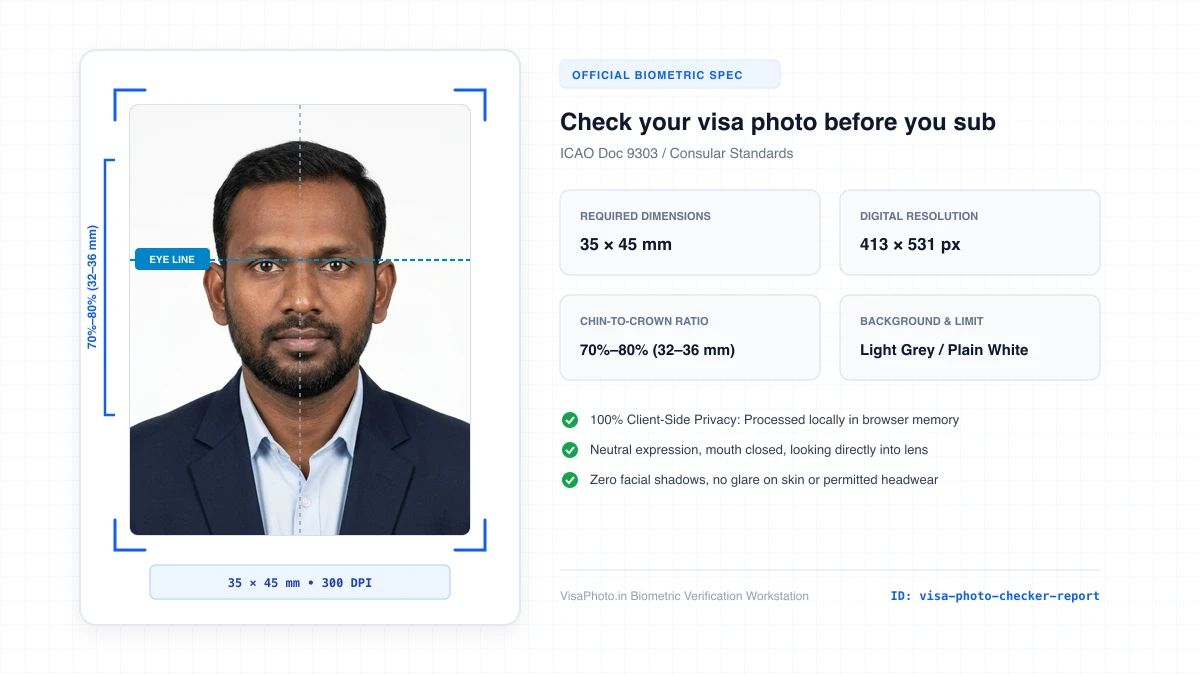
Visa photo diagnostic report with checkmarks and failure analysis
Show compliance report interface
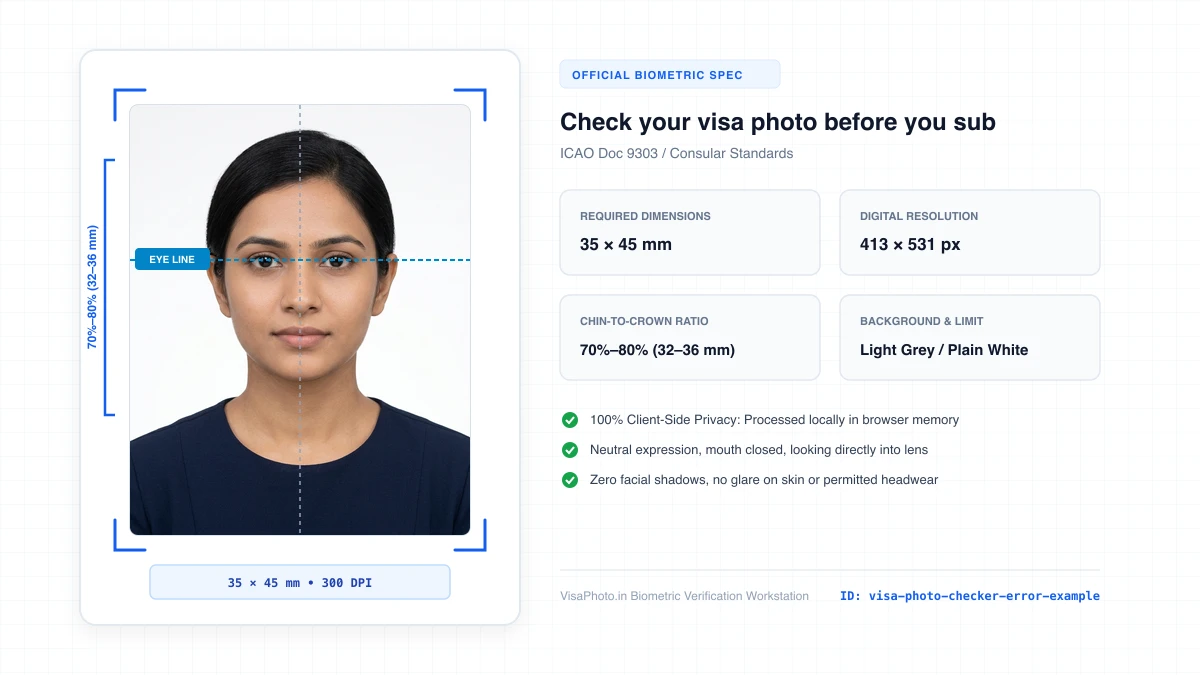
Visual guide explaining common face positioning errors in visa photos
Instructional positioning error demonstration
Official Government Authority Sources
All requirement specifications are sourced directly from official gazettes and immigration portals.
What Check your visa photo before you submit it. Can and Cannot Verify
हमारी तकनीकी गारंटी और निष्पक्ष पारदर्शिता
VisaPhoto.in maintains complete transparency. We ensure your photograph matches published mathematical and optical specifications, but we never make false claims of consular authority.
- ✓Exact Dimensions: सटीक साइज (mm, इंच) और 300 DPI रेजोल्यूशन।
- ✓Target File Limit: 240 KB या 300 KB के अंदर सुरक्षित कंप्रेशन।
- ✓Biometric Ratios: चेहरे (70%–80%) और आंखों की बिल्कुल सही सीध।
- ✓Background Uniformity: बैकग्राउंड का सही रंग (सफेद या हल्का ग्रे)।
- !Visa Approvals: वीजा अप्रूवल का अंतिम निर्णय दूतावास के हाथ में होता है।
- !Photo Recency: फोटो 6 महीने से ज्यादा पुरानी नहीं होनी चाहिए।
- !Physical Identity: फोटो में आवेदक की असली पहचान स्पष्ट होनी चाहिए।
Frequently Asked Questions
अक्सर पूछे जाने वाले सवाल व आधिकारिक जवाब
Related Biometric Tools & Compliance Guides
अन्य उपयोगी वीजा टूल्स व देश गाइड